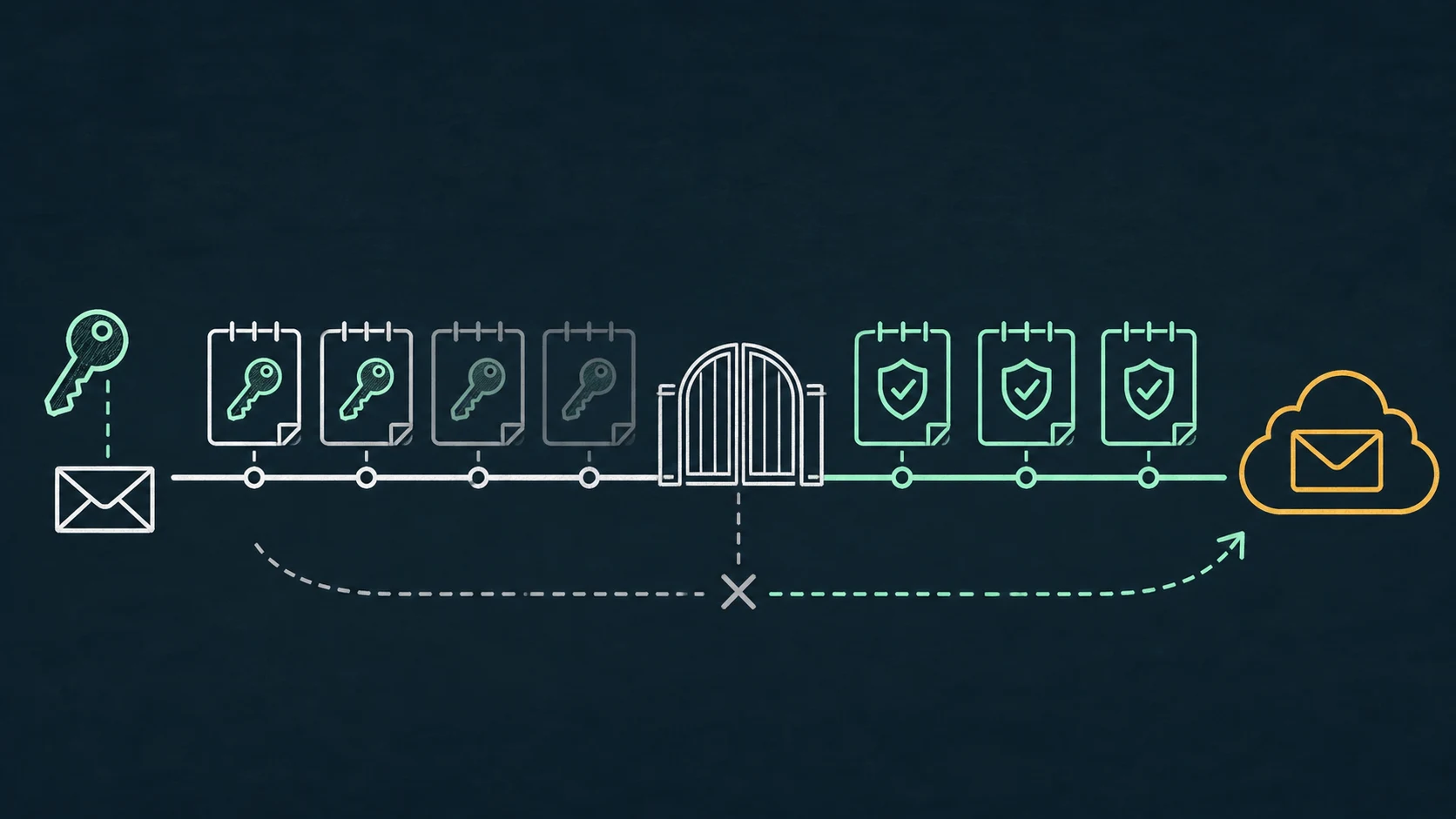
Current timeline
Use the updated schedule, not the old 2026 deadline.
Microsoft’s January 2026 update says SMTP AUTH Basic authentication behavior remains unchanged through December 2026. Near the end of December 2026, it becomes disabled by default for existing tenants, while administrators can still enable it when necessary. For new tenants created after that point, it is unavailable by default.
Microsoft says it intends to announce the date of final removal in the second half of 2027. That does not mean final removal occurs in 2027. Treat earlier March or April 2026 dates in old articles as superseded.
Protocol vocabulary
SMTP AUTH is not synonymous with Basic authentication.
SMTP AUTH is the authenticated client-submission protocol. A client can use that protocol with a password-based Basic mechanism or with OAuth through XOAUTH2. Microsoft is changing the Basic authentication mechanism; OAuth-authenticated SMTP submission remains the supported modern-authentication path when SMTP AUTH is permitted for the tenant and mailbox.
| Term | What it means | Migration implication |
|---|---|---|
| Basic SMTP AUTH | The client presents reusable mailbox credentials to authenticate. | This is the mechanism affected by the deprecation schedule. |
| OAuth SMTP AUTH | The client presents an OAuth access token using XOAUTH2 while continuing to submit over SMTP. | Still SMTP; requires token acquisition and Exchange authorization. |
| Microsoft Graph | An HTTPS application API with sendMail, not an SMTP endpoint. | Useful for rewriteable applications; not a transparent printer replacement. |
A migration that merely stores the same password somewhere else does not move the Microsoft-facing hop to modern authentication.
Tenant evidence
Find the clients still using Basic authentication.
Use the SMTP AUTH Clients report in the Exchange admin center under Reports → Mail flow. Microsoft documents the authentication protocol values as TlsAuthLogin for Basic authentication and XOAUTH2 for modern authentication. Filter and export enough history to catch monthly jobs and rarely used devices; the report supports up to 90 days.
Map every observed identity back to a device, application, owner, network location, recipient scope, and business process. Also look for failed or dormant clients: a report of successful activity cannot prove an unused emergency workflow is absent.
- 01
Separate Basic from OAuth
Do not count all SMTP AUTH activity as legacy. The protocol report distinguishes the authentication mechanisms.
- 02
Identify the real client
A shared mailbox identity can hide multiple printers, scripts, and appliances. Correlate IP, TLS use, time, and operational ownership.
- 03
Classify replaceability
Record whether the sender supports native Microsoft OAuth, can be rewritten, or must retain a conventional local SMTP interface.
Migration decision tree
Prefer the smallest supported change that removes the password dependency.
Client supports Microsoft 365 OAuth natively
Use the vendor-supported integration, subject to your tenant’s SMTP AUTH policy. Validate the exact software or firmware version.
Application can be changed
Evaluate Microsoft Graph, an application-specific mail service, or a current SMTP library with OAuth. Choose based on delivery semantics and supportability, not fashion.
Network and recipient pattern fits another Exchange option
Compare connector relay, Direct Send, and High Volume Email against external-recipient, IP, certificate, volume, and identity requirements.
Client must continue using ordinary SMTP
Place a controlled compatibility service on the local network and modernize the Microsoft-facing hop. Confirm the tenant policy permits the chosen Exchange method.
The Security Defaults guide covers the important case where SMTP AUTH itself is disabled, and the SMTP options comparison covers non-equivalent delivery methods.
Compatibility boundary
Where RelayBridge fits—and where it does not.
RelayBridge accepts explicitly authorized SMTP from legacy clients on the local network, queues locally, and authenticates its delivery connection to Exchange Online with OAuth. It does not preserve Basic authentication toward Microsoft and it does not operate a cloud mail-relay service.
This can reduce the number of legacy clients that need individual OAuth implementations. It is only a fit where the organization intentionally permits OAuth SMTP AUTH and the local listener can be tightly scoped. See how the two hops are separated and review the current Microsoft 365 security model.
RelayBridge is independently developed; Microsoft neither supplies nor endorses or certifies it. The application code can be reviewed publicly under MPL-2.0.
Prefer native OAuth when a device supports it, and prefer a clean Graph or API migration when an application can be maintained that way. An existing suitable MTA or another supported Microsoft mail-flow method may already solve the problem.
Migration checklist
Make the December default change uneventful.
- 01
Review 90 days of SMTP client evidence
Separate
TlsAuthLoginfromXOAUTH2and reconcile shared identities with actual clients. - 02
Confirm tenant and mailbox policy
Document SMTP AUTH availability, Security Defaults, Conditional Access, authentication policies, and mailbox-level settings before choosing a target.
- 03
Assign a supported target per client
Native OAuth, Graph/API, a supported Exchange mail-flow option, a maintained MTA, SaaS relay, or a local bridge may each be right for a different sender.
- 04
Test success and failure behavior
Validate sender authorization, internal and external recipients, TLS, throttling, token renewal, outage retry, and alert visibility.
- 05
Remove the old dependency deliberately
After a stable observation period, disable legacy credentials according to policy and keep monitoring for stragglers.
Clarifications
Frequently asked questions.
Is SMTP AUTH being removed in December 2026?
No. Microsoft’s current schedule says Basic authentication becomes disabled by default near the end of December 2026. A final-removal date has not yet been announced.
Does OAuth mean moving from SMTP to Graph?
No. OAuth can authenticate SMTP AUTH using XOAUTH2. Graph is a separate HTTPS API and a different integration.
Can we simply re-enable Basic authentication after December 2026?
Microsoft currently says existing-tenant administrators can still enable it after the default change, but that is a temporary dependency, not a migration strategy. Microsoft still intends final removal.
Authoritative sources